
You can access Consumer Reports for free in several ways, making it easier to get trusted reviews without spending a dime. One great option is using your library card, which often grants you on-site or remote access through library websites or public computers. This is a simple way to dive into Consumer Reports without any hassle.
Platforms like Flipster let you read digital magazines right on your devices, so you can enjoy Consumer Reports wherever you go. Partner research sites also offer archival content, giving you access to older issues for in-depth information.
Plus, free summaries provide quick insights if you’re short on time.
Some schools or libraries include trial memberships that give you full access to Consumer Reports. Exploring these options can help you save money while still finding reliable product reviews.
Keep reading to discover how each method works and which might be best for you!
Key Takeaways
- Use a library card to access Consumer Reports online or in person at local libraries. You can get free full digital and print editions this way.
- Access Consumer Reports remotely through library websites using your card number and PIN. This lets you enjoy secure, free content anytime you want.
- Utilize public library computers and ask librarians for help. It’s a great way to explore Consumer Reports without needing your own device or subscription.
- Explore partner research platforms like GALILEO by logging in with institutional credentials. There, you’ll find archived Consumer Reports articles and detailed reviews.
- Sign up for Consumer Reports free membership trials. This gives you temporary access to the full content before you decide if a paid subscription is right for you.
Access Consumer Reports for Free Through Your Local Library

Wondering how to get Consumer Reports without paying? Your local library is a great place to start. With a library card, you can access Consumer Reports for free, either by visiting in person or using their computers.
Many libraries offer full digital editions you can view on-site, and librarians are ready to help you log in to these resources. If you prefer print, you’ll often find copies available at the library as well.
The library’s website usually provides direct links or clear instructions for accessing Consumer Reports using your library card. This way, you can tap into trusted product reviews and ratings without spending a dime, all thanks to your local library’s resources and your library card.
Log In Online With Your Library Card From Anywhere
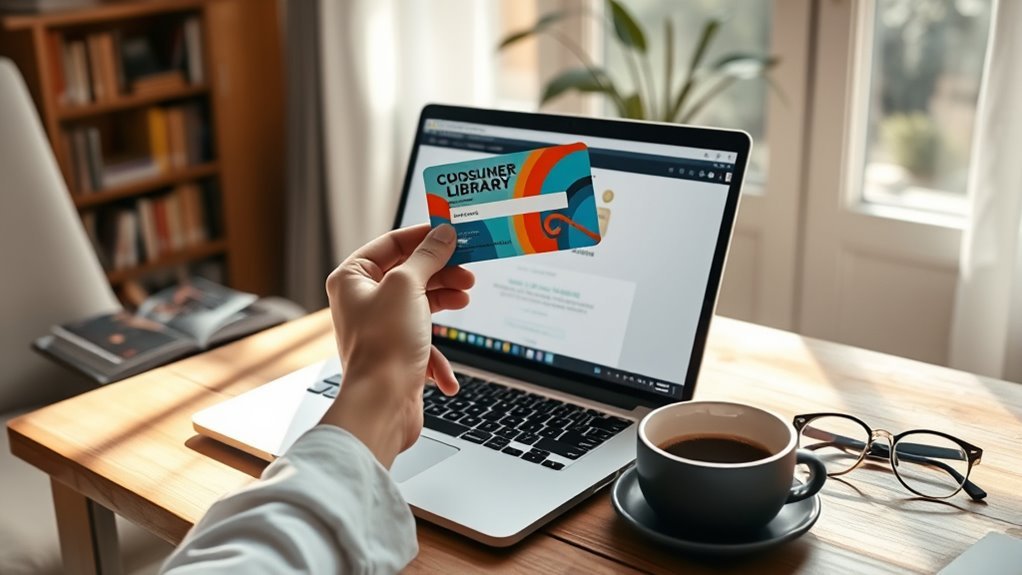
You can access Consumer Reports online anytime by logging in with your library card number and PIN through your library’s website. Just make sure your card is in good standing to enable this remote access.
That way, you get reliable product reviews without leaving your home or office. It’s super convenient!
Remote Access Convenience
How convenient would it be to access Consumer Reports anytime, anywhere without stepping into a library? With remote access, you can do just that.
Simply log in through your library’s website using your library card number and PIN, and you’ll unlock free, secure access to the full digital edition. Whether you’re on a PC, laptop, smartphone, or tablet, remote access lets you explore current issues, expert reviews, and product ratings without any geographical limits.
This means you can research products from the comfort of your home, during a commute, or while traveling. Just visit your library’s site, log in with your credentials, and click the Consumer Reports link for instant access—no library visit required.
Library Card Requirements
Where can you find free, full access to Consumer Reports online? You can easily log in through your library’s website using your library card number and PIN.
With a valid library card, you get authentication that *releases* the digital edition of Consumer Reports from any device, anywhere. This online access requires no extra fees or subscriptions.
Just enter your credentials, and you’re set to browse all content remotely. It’s pretty simple once you have your library card and PIN ready.
| Requirement | Purpose | Notes |
|---|---|---|
| Library card | Authentication | Must be valid and active |
| PIN | Secure login | Confidential code |
| Library website | Access portal | Use for online Consumer Reports |
| Device | Access point | PC, laptop, mobile supported |
| Internet | Connectivity | Needed for remote access |
Read Consumer Reports Digital Magazine on Flipster
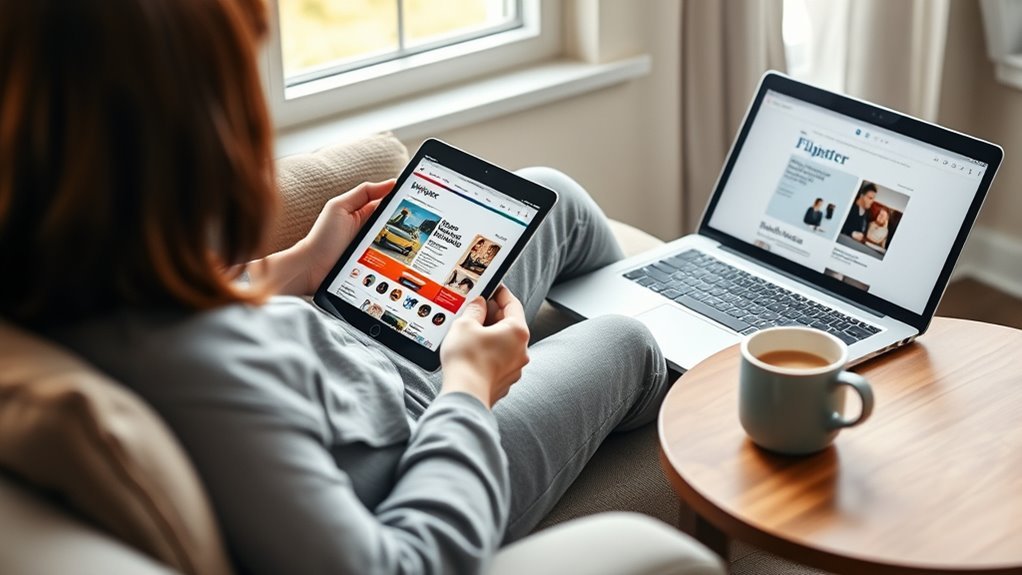
You can access Consumer Reports digital magazine for free through your library’s Flipster platform using your library card. Whether you’re on your phone, tablet, or computer, Flipster lets you read the latest issues anytime, anywhere.
It’s super convenient to get expert reviews and product comparisons on the go. So, no matter where you are, you’ve got the info you need right at your fingertips.
Access Via Library
If your library offers access to Flipster, you can read Consumer Reports digital magazine for free anytime on any device. All you need is a valid library card to log in and start exploring current issues packed with articles, product comparisons, and expert reviews.
The library’s Flipster platform lets you access Consumer Reports online from your computer, tablet, or smartphone, wherever you have an internet connection. This means you won’t have to pay for a subscription or hunt down physical copies—you can conveniently use your library’s digital resources to stay informed.
Just check if your local library participates in Flipster, then use your library card credentials to release a wealth of trusted consumer information at no cost. It’s easy and totally worth it!
Mobile Reading Convenience
Accessing Consumer Reports on the go has never been easier with Flipster, your library’s digital magazine platform. You can access Consumer Reports digital magazine free through Flipster on both computers and mobile devices using the app or web platform.
All you need is a valid library card to log in and start reading from anywhere with an internet connection. It’s super convenient!
Enjoy convenient mobile reading with features that make staying informed simple and flexible.
Here’s how you can enjoy Consumer Reports on Flipster:
- Read current issues anytime, anywhere
- Explore detailed product comparisons and reviews
- Use your smartphone or tablet for seamless access
With Flipster, you’ll always have Consumer Reports at your fingertips, making mobile access effortless. It’s really that easy!
Visit the Library to Use Consumer Reports on Public Computers
When you visit the library, you can use their public computers to explore Consumer Reports for free. The library provides full digital access to unbiased product reviews, ratings, and buying guides, so you don’t have to worry about bringing your own device.
If you’re unsure how to log in, librarians are there to help you get started quickly and smoothly. Using the library’s computers lets you immerse yourself in detailed Consumer Reports content without any cost.
This option is perfect if you want reliable information but don’t have a subscription or a personal device handy. The library makes it easy to access trusted evaluations, helping you make smart purchasing decisions without spending a dime.
Find Consumer Reports Articles on Partner Research Platforms
Libraries often collaborate with partner research platforms like GALILEO to offer you free access to Consumer Reports articles. Through these platforms, you can explore full-text issues dating back to 1985 without any cost.
Libraries partner with platforms like GALILEO to provide free access to Consumer Reports archives dating back to 1985.
To get started, simply log in with your library or institutional credentials. Partner research platforms make it easy to find exactly what you need by letting you search with specific product keywords combined with “and” to narrow results.
Here’s how to make the most of partner research platforms:
- Use your library login to access the platform remotely or on-site
- Enter precise keywords to find relevant Consumer Reports articles
- Browse archives to compare products and reviews from past years
These platforms offer seamless, free access so you can research smartly and save money. It’s a great way to dig into reliable info without spending a dime!
Explore Free Consumer Reports Summaries and Buying Guides
Although some Consumer Reports content requires a subscription, you can still find free summaries and buying guides through many library websites. By logging into your library’s digital resources with your library card, you gain free access to detailed Consumer Reports reviews and buying guides.
Platforms like GALILEO provide Georgia residents and students full-text buying guides at no cost. Plus, Consumer Reports’ own website offers free summaries and product ratings on select items, helping you make informed decisions.
Many libraries also grant free access to current Consumer Reports issues via digital magazine platforms like Flipster. These resources let you explore valuable insights without paying, making it easy to stay informed and confident in your purchases without a subscription.
Consider Consumer Reports Membership Trials for Full Access
If you want more all-inclusive access beyond free summaries and guides, trying a Consumer Reports membership trial can be a smart move. Many organizations, including libraries, offer free trial memberships that grant full access to ratings, reviews, and buying guides.
These membership trials usually last from 7 days up to a month, giving you plenty of time to explore.
Membership trials typically range from one week to a month, providing ample time to explore all features.
Here’s what you should know about membership trials:
- You’ll need to create an account and provide some basic information to sign up.
- Some library systems or schools offer exclusive trial access for their members or students.
- Always cancel before the trial ends to avoid automatic charges for a paid subscription.
Taking advantage of membership trials lets you dive deep into Consumer Reports without spending a dime. It’s a great way to check out everything they offer before deciding if you want to commit.
Frequently Asked Questions
How to Get Consumer Reports for Free Without Paying?
You can get Consumer Reports for free by using your library card to access their digital portal or platforms like GALILEO. Many libraries also let you use their computers to browse Consumer Reports without any cost or subscription.
Can I Access Consumer Reports for Free?
Yes, you can access Consumer Reports for free even if you don’t want to pay. Just use your library card or visit the library’s website to read it online or on library computers without any cost.
Is There a $20 Subscription to Consumer Reports?
No, there isn’t a $20 subscription to Consumer Reports. You’ll typically see annual fees around $39 or monthly fees near $10, but you can often find free access through libraries or educational platforms instead.
How Can I Bypass the Consumer Reports Paywall?
Like sneaking into a vintage speakeasy, you can’t just bypass Consumer Reports’ paywall outright. Instead, use your local library’s digital access or institutional subscriptions—they legally grant you full entry without charging you a dime.
Conclusion
Now that you know these seven clever ways to access Consumer Reports for free, you can make smarter buying decisions without spending a dime. Whether you’re logging in with your library card from your smartphone or visiting the library like it’s still the age of the rotary phone, you’ve got plenty of options.
Explore digital magazines, research platforms, or even trial memberships to get the info you need—no floppy disks required! With these free access methods, staying informed about product reviews and ratings has never been easier.
So go ahead and take advantage of these convenient ways to access Consumer Reports for free. Whether online or in person, you can confidently find reliable product information and make well-informed purchases without paying a cent.