
To cancel your Consumer Reports magazine subscription in five easy steps, start by logging into your account on their website using your email and password. This is the first step to managing your subscription online.
Next, head over to the “Manage My Membership” section where you can find your subscription details. This helps you check your renewal status and decide if you want to proceed with cancellation.
After that, look for the cancellation link or option in your account settings. Make sure to do this before your next issue processes to avoid being charged again.
Don’t forget to save your cancellation confirmation—it’s proof that you’ve successfully canceled. Also, keep an eye on your billing to make sure no further charges appear.
If you need more helpful tips or details about subscriptions, stay tuned for updates!
Key Takeaways
- Sign into your Consumer Reports account and go to “Manage My Membership” to access your subscription details.
- Then, head over to the subscriber services or “Account Settings” page where you’ll find the cancellation option.
- Make sure to initiate the cancellation before the next issue processes. This helps you avoid any more billing charges.
- Don’t forget to save the confirmation email or take a screenshot as proof of cancellation. It’s good to have that for future reference.
- Keep an eye on your bank statements to confirm the billing has stopped. If you notice any issues, just reach out to support for help.
Find Your Consumer Reports Subscription Details

Before you cancel, you’ll want to find your Consumer Reports subscription details. Start by signing into your account on the Consumer Reports website and visiting the “My CR” section.
Here, you’ll use the “Manage My Membership” link to check your renewal date and review your subscription status. If you have a print membership, enter your account number to access specific information.
You can also find your subscription expiration and renewal details on the mailing label of your print magazine. Consumer Reports offers online tools that make it easy to verify your subscription status, including whether auto-renewal is active.
If you don’t have an online account or have a gift subscription, contact Member Support directly to get your subscription details before proceeding with cancellation.
Log In to Your Consumer Reports Account
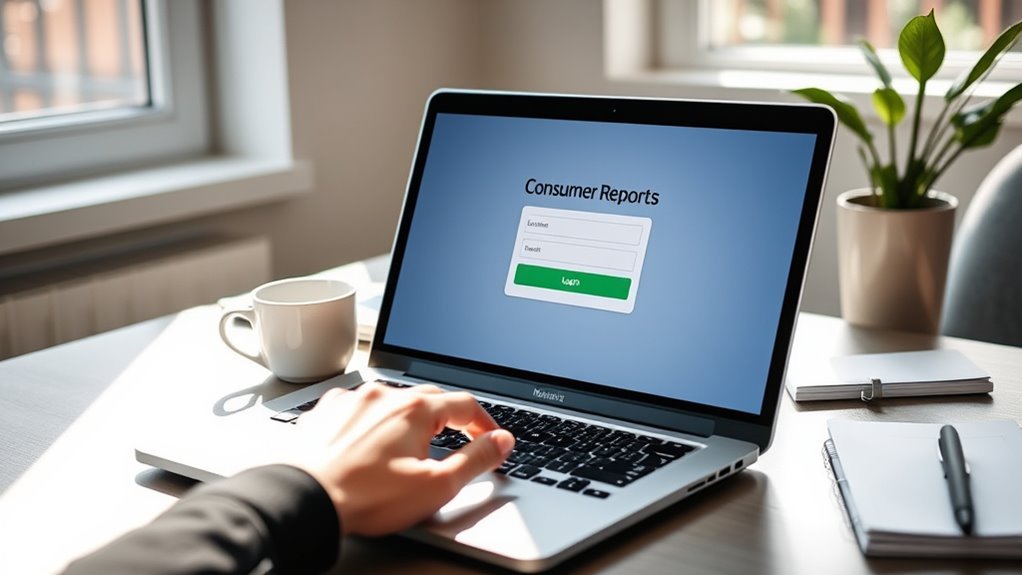
Once you have your subscription details, the next step is to log in to your Consumer Reports account. Head to the official website and click the “Sign In” button at the top right corner.
Use your registered email and password as credentials to access your account. If you’ve forgotten your login info, use the “Forgot Password” link to reset it.
After signing in, go to the “My CR” section to view and manage your subscription. Make sure you’re logged into the correct account linked to your Consumer Reports magazine subscription.
Especially if you’re a print subscriber—you’ll need your account number to sign in.
| Step | Description |
|---|---|
| 1. Visit Website | Go to Consumer Reports homepage |
| 2. Click Sign In | Top right corner button |
| 3. Enter Credentials | Email and password |
| 4. Reset Password | Use “Forgot Password” if needed |
| 5. Access “My CR” | View subscription details |
Cancel Your Print or Digital Subscription
Although canceling your Consumer Reports subscription might seem intimidating, you can easily do it online by visiting the official subscriber services page. Just use the Cancel Subscription link with your account or mailing details.
Whether you have a print or digital subscription, simply log in to your Account Settings to start the cancellation. Make sure to cancel before the next issue is processed to avoid being billed again.
If you run into any issues or prefer some help, you can also contact Consumer Reports Member Support via phone or email. Keep in mind that cancellations often take 8–16 weeks to process, so plan accordingly.
Taking these steps helps you efficiently cancel your Consumer Reports subscription without any hassle.
Confirm Your Cancellation and Save Proof
To guarantee your Consumer Reports subscription is fully canceled, you should confirm the cancellation by looking for a confirmation email or message from the publisher. Save this confirmation email or a screenshot as proof of your cancellation.
Keeping detailed records of confirmation numbers and correspondence helps you verify your cancellation if needed. If you don’t receive any confirmation, contact Consumer Reports Member Support directly to verify your subscription status.
Maintaining proof protects you from unwanted charges or billing issues. It’s always better to be safe than sorry!
| What to Save | Why Save It | How to Use It |
|---|---|---|
| Confirmation Email | Acts as formal cancellation proof | Show it for billing disputes |
| Screenshot | Backup visual confirmation | Print or store digitally |
| Correspondence | Keeps track of support interactions | Reference for future verification |
Check Your Billing and Troubleshoot Issues
How can you be sure your Consumer Reports subscription has truly ended? Start by reviewing your credit card or bank statements for any recurring charges. This helps confirm if billing has stopped after you cancel your subscription.
If you spot unexpected charges, use the official Cancel Subscription link on their website and enter your account details correctly. Should problems persist, don’t hesitate to contact Consumer Reports Member Support to troubleshoot billing issues.
Remember to report duplicate charges or delayed deliveries to support for resolution. Also, keep all correspondence and confirmation numbers for reference.
Make it a habit to monitor your statements regularly to avoid surprise charges. Taking these steps ensures you control your subscription and avoid unwanted billing headaches.
Frequently Asked Questions
How Do I Stop Magazine Subscriptions I Never Ordered?
You should check your credit card statements for charges, then contact the publisher directly using official customer service channels to cancel. Always verify subscription legitimacy to avoid scams, keep cancellation records, and follow up until you get confirmation.
How Much Does a One-Year Subscription to Consumer Reports Magazine Cost?
You might expect to pay a lot, but a one-year Consumer Reports subscription costs just $39.00. Whether you choose print or digital, the price stays the same, and sometimes you can snag a 10% discount.
How to Stop Consumer Reports?
You stop Consumer Reports by visiting their cancellation page or contacting Customer Support via phone, email, or their webform. Make sure you cancel before renewal to avoid charges and check refund policies if issues have already shipped.
How Do I Manage My Consumer Reports Subscription?
Think of managing your Consumer Reports subscription like steering a ship—you can navigate to their subscriber services page anytime, update your details, or cancel with a few clicks. If you used a third party, steer through their platform instead.
Conclusion
Canceling your Consumer Reports subscription is like closing the cover of a well-read book—you’re ending one chapter to start another. By finding your details, logging in, and confirming cancellation, you’re steering your journey with clarity and control.
Just like a seasoned traveler double-checks their map, make sure to review your billing and save proof. This way, you close the story on your terms, ready for whatever new pages lie ahead.
Remember, canceling a Consumer Reports magazine subscription is straightforward when you follow the right steps. Take your time to review your account details carefully before confirming the cancellation. Keeping a record of your cancellation confirmation ensures you have proof if any billing questions arise later.
By managing your subscription this way, you maintain control and avoid unexpected charges. So, whether you’re cutting costs or just moving on, canceling Consumer Reports is simple and hassle-free when done right.