
To cancel your Consumer Reports auto-renewal in three easy steps, start by logging into your account using your email and password. This is the first step to managing your subscription settings quickly and easily.
Next, head over to the auto-renewal settings. You’ll usually find this under “Manage My Membership” or “Change My Automatic Renewal Status.” This is where you can take control of your subscription preferences.
Finally, turn off the automatic renewal, save your changes, and confirm the cancellation to avoid any future charges. It’s a simple process that helps you prevent unwanted billing.
If you want to understand the process in more detail or need tips on how to monitor your account after cancellation, there’s plenty of helpful info ahead. Just keep reading!
Key Takeaways
- Sign in to your Consumer Reports account using your email and password via the top right corner.
- Next, head over to “Manage My Membership” or “Change My Automatic Renewal Status” in your account settings.
- From there, select the option to turn off or cancel auto-renewal for your membership type.
- You’ll want to confirm the cancellation by following the on-screen prompts. Make sure to save any changes you make.
- Finally, keep an eye out for a confirmation email or a dashboard alert to verify that auto-renewal has been deactivated.
Log Into Your Consumer Reports Account

To cancel your Consumer Reports auto-renewal, start by logging into your account on their website. First, sign in using your email address and password. You’ll usually find the sign-in option in the top right corner of the page.
Once you’re signed in, head over to the “My Account” or “Account Settings” section to access your membership details. It’s important to ensure you’re signed into the correct account linked to your subscription.
From there, depending on your membership type, you’ll either select “Manage My Membership” for Print subscriptions or “Change My Automatic Renewal Status” for Digital/All Access memberships. This step lets you review your membership and prepare to adjust your renewal preferences when you’re ready.
Find and Cancel Your Auto-Renewal Settings

After accessing your membership details in the “Account Settings” section, look for the option related to your auto-renewal preferences. For Print memberships, select “Change My Automatic Renewal Status,” while Digital or All Access members should choose “Manage My Membership.”
This will take you to the page where you can manage your auto-renewal settings. Follow the prompts to cancel or turn off the auto-renewal feature, ensuring your membership doesn’t renew automatically at the end of its current term.
Once you cancel auto-renewal, confirm your changes by reviewing any on-screen instructions. It’s a good idea to keep a record of your cancellation confirmation for future reference and to verify that the auto-renewal has been successfully canceled.
Confirm Your Cancellation to Stop Future Charges
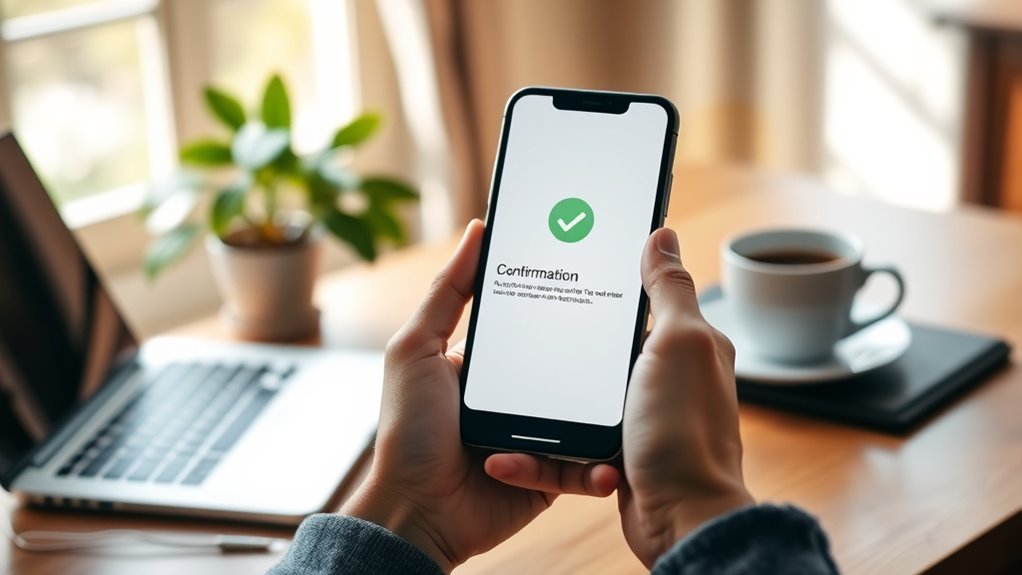
Although you’ve canceled your Consumer Reports membership, you should verify the cancellation within your account settings to make sure future charges don’t occur. Look for a clear cancellation confirmation email or an alert in your account dashboard.
It’s a good idea to regularly review your billing statements or bank transactions to spot any unexpected charges. If you don’t find a confirmation or notice charges after cancellation, contact Consumer Reports Member Support immediately.
Keep a record of your cancellation confirmation to resolve any billing disputes efficiently.
| Step | Action |
|---|---|
| Check Confirmation | Look for email or account notification |
| Verify Charges | Review bank statements and billing details |
| Contact Support | Reach out if no confirmation or unexpected charges |
Frequently Asked Questions
How Can I Cancel or Delete My Consumer Reports Account?
You can cancel your Consumer Reports account by signing in, going to Account Settings, and selecting delete if available. If not, contact Member Support with your details to request deletion and stop future charges.
How Much Does a Monthly Membership at Consumer Reports Cost?
You’ll pay $5.99 per month for a Consumer Reports membership. That small fee gives you access to expert ratings, reviews, and trusted digital content, helping you make smarter buying decisions every month without hassle.
How Do I Contact Consumer Reports Customer Service?
You can contact Consumer Reports customer service by calling 1-800-333-0663, using their live chat or webform on the website, emailing through the Contact Us page, or mailing to their Member Services address in Iowa.
Is There a $20 Subscription to Consumer Reports?
You probably didn’t know 39 dollars is the standard Consumer Reports subscription price, not 20. So, no, there isn’t a $20 subscription. If you see that charge, it’s likely from a third party or error.
Conclusion
Canceling your Consumer Reports auto-renewal is like pulling the plug on a leaky faucet—small action, big savings. Just like Sarah, who stopped her subscription and saved over $100 in a year without even realizing the charges, you can take control with three simple steps.
By logging in, adjusting your settings, and confirming cancellation, you prevent unwanted fees and keep your budget flowing smoothly. It’s quick, easy, and puts you back in charge.
Taking a few minutes to cancel your Consumer Reports auto-renewal helps you avoid surprise charges and manage your expenses better. So, don’t wait—follow these three easy steps today and enjoy the peace of mind that comes with knowing your subscription won’t renew automatically.