
To cancel your Consumer Reports subscription in 3 easy steps, start by signing in to your account with your email and password. This quick step gets you right where you need to be to manage your subscription.
Next, head over to your subscription settings. There, look for the cancel option within the membership section—it’s usually easy to spot.
Finally, confirm your cancellation by following the prompts to stop future charges. Don’t forget to check your email or account for confirmation. It’s a good idea to keep an eye on your billing afterward to avoid any surprises.
If you want to make sure you’ve covered everything, keep reading—there’s more helpful info ahead!
Key Takeaways
- Sign in to your Consumer Reports account using your registered email and password.
- Then, navigate to the “Manage Subscription” or “Membership” section in your account settings.
- Click the cancel link and follow the prompts to confirm your subscription cancellation.
- Just make sure you complete the cancellation before the next billing cycle so you don’t get charged again.
- Finally, verify your cancellation by checking for an email confirmation and reviewing your account status to be sure everything’s set.
Sign In to Your Consumer Reports Account

Before you can cancel your subscription, you’ll need to sign in to your Consumer Reports account. Start by visiting the Consumer Reports website and clicking the “Sign In” button at the top right corner.
To cancel your subscription, first sign in at the Consumer Reports website using the “Sign In” button.
Enter your registered email and password to complete the sign in process and gain account access. If you can’t remember your password, use the “Forgot Password” link to reset your login credentials quickly.
For members with Print subscriptions, you can also sign in using your account number and email. Once you’re logged in, head to the member dashboard and navigate to the “My CR” section.
There, you’ll find options to manage subscription and account settings easily, preparing you for the next step in canceling your membership.
Go to Subscription Settings and Cancel Your Membership
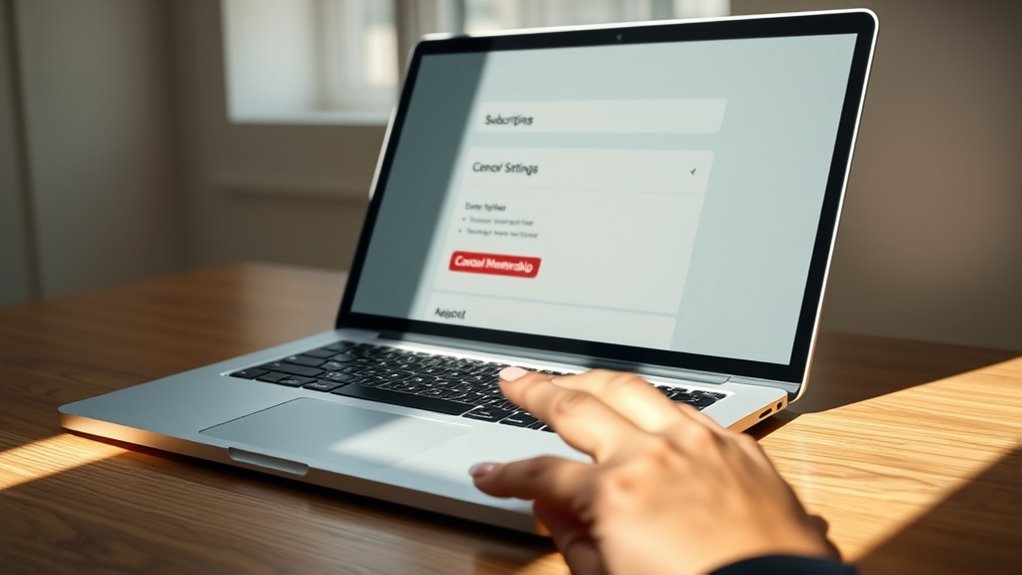
Once you’re signed in, head straight to your account settings where you’ll find the subscription management options. Navigate to the “Manage Subscription” or “Membership” section within your account settings to start the cancellation process.
Look for the cancel link, which allows you to cancel membership and manage subscription preferences efficiently. It’s pretty straightforward once you find it.
Here’s what to do next:
- Click the cancel link to initiate subscription removal.
- Follow prompts to confirm cancellation and prevent automatic renewal.
- Complete cancellation before your next billing cycle to avoid future charges.
Just make sure you finish the process before your next billing date, so you don’t get charged again. It only takes a few steps!
Confirm Your Cancellation and Check for Future Charges
How can you be sure your Consumer Reports subscription is fully canceled? First, check your email for a cancellation confirmation from Consumer Reports.
Then, log into your “My CR” account to confirm your membership status shows as canceled or inactive. It’s essential to verify your billing statements and credit card or bank statements for any unexpected charges after cancellation.
If you spot any unauthorized or recurring charges, contact Member Support right away. Keep an eye on your account and statements for up to 60 days post-cancellation.
If you were charged after canceling, request a refund promptly. By confirming your cancellation and monitoring your charges closely, you’ll avoid surprises and ensure your Consumer Reports subscription is truly ended.
Frequently Asked Questions
How Do I Manage My Consumer Reports Subscription?
You manage your Consumer Reports subscription by signing into your My CR account, then using the “Manage My Membership” or “Change My Automatic Renewal Status” links. Contact Member Support if you need help or have issues managing your subscription.
How to Stop Consumer Reports?
You can stop Consumer Reports by visiting their cancellation page, entering your account details to verify, and clicking “Cancel Subscription.” Check your email or account for confirmation to make certain the cancellation went through smoothly.
How Much Does a One-Year Subscription to Consumer Reports Magazine Cost?
Don’t worry about hidden fees—a one-year Consumer Reports subscription costs $39. If you use the coupon code MSS10, you’ll get a 10% discount, making it even more affordable to stay informed and save money.
How Do I Contact Consumer Reports Customer Service?
You can contact Consumer Reports customer service via live chat, phone, or email through their website. Agents are available Monday to Saturday during specified hours. Have your account details ready for faster help.
Conclusion
Canceling your Consumer Reports subscription is straightforward when you follow these simple steps. Just sign in, head to your subscription settings, and cancel your membership.
Don’t forget to confirm your cancellation and check for any future charges to avoid surprises.
Remember, “a stitch in time saves nine”—taking action now saves you from unnecessary fees later.
You’ve got this, and soon you’ll be free from that subscription hassle! Taking these easy steps to cancel your Consumer Reports subscription will give you peace of mind and control over your expenses. It’s quick, simple, and hassle-free, so why wait? By managing your subscription settings carefully, you avoid any unexpected charges and keep your finances in check. So go ahead, cancel your Consumer Reports subscription today, and enjoy the freedom from unwanted renewals!